My Involvement
This game was produced by four students for a Real Time Programming course, I personally contributed both programming implementations and a large part of the art assets used throughout the project. I modeled and textured all 3D elements used in the game through Blender 4.2, employing a handpainted texturing style using Blender’s texture paint feature. All the UI elements used in the game were designed and made by me in Inkscape. Beyond all the art that I contributed, I also implemented all of the UI elements and menus into the game, as well as the feature for taking and delivering orders.
UI Design
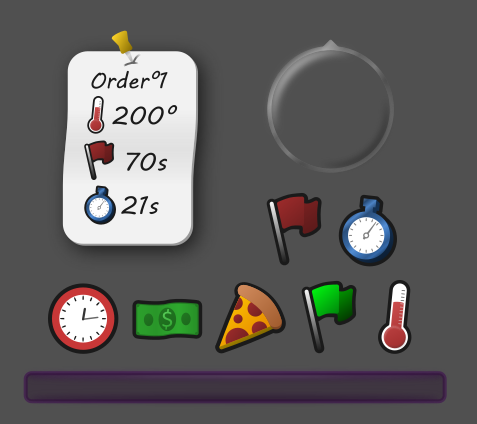
I attempted to pull off a simple cartoon rendering style for the UI elements used in gameplay, ie. the minimap icons and the money and timer icons. I wanted a solid consistent outline and clean readable icons, part of achieving this was using a diverse blend of vibrant colors in the icon designs.
UI Programming
Main Menu
Perhaps my biggest responsibility for the project behind supplying the 3D assets was the implementations for any and everything UI in the game. I was responsible for setting up the main menu and it’s various features, such as it’s cinematic sweeping camera views and transition animations between the menu and the main game level.
Minimap
I also handled the implementation of the minimap and it’s features, which include things such as edge snapping when the marker is outside the radius of the minimap, and accurate world to map translation. Here’s a code sample of how I handled snapping icons to the edge of the minimap when their distance passed a threshold, this example specifically handling the pizzeria icon’s location on the minimap as demonstrated in the video clip below.
# Called every frame
func _process(_delta: float) -> void:
    #Maps UI positions in general to match game world positions
    var player_map_x = player.position.x * map_to_world_ratio
    var player_map_y = player.position.z * map_to_world_ratio

    #Maps minimap position to match game world positions
    minimap_pos.set_position(Vector2(minimap_offset.x + map_x, minimap_offset.y + map_y))

    #Maps pizzeria icon to match game world position
    var pizzeria_map_x = (player.position.x - pizzeria_location.x) * map_to_world_ratio
    var pizzeria_map_y = (player.position.z - pizzeria_location.z) * map_to_world_ratio

    #Check if icon distance is outside of minimap borders, if so fix position to edge of minimap
    if (Vector2(pizzeria_map_x, pizzeria_map_y).length() > minimap_max_dist):
        var dir = Vector2(player.position.x - pizzeria_location.x, player.position.z - pizzeria_location.z)
        var angle = atan2(dir.y, dir.x)
        var new_x = cos(angle) * minimap_radius
        var new_y = sin(angle) * minimap_radius
        pizzeria_icon.set_position(Vector2(pizzeria_icon_osffset.x + new_x, pizzeria_icon_osffset.y + new_y))
    else: #Otherwise just use previous distance calculation to set position
        pizzeria_icon.set_position(Vector2(pizzeria_offset.x + player_map_x, pizzeria_offset.y + player_map_y))
3D Modeling & Texturing
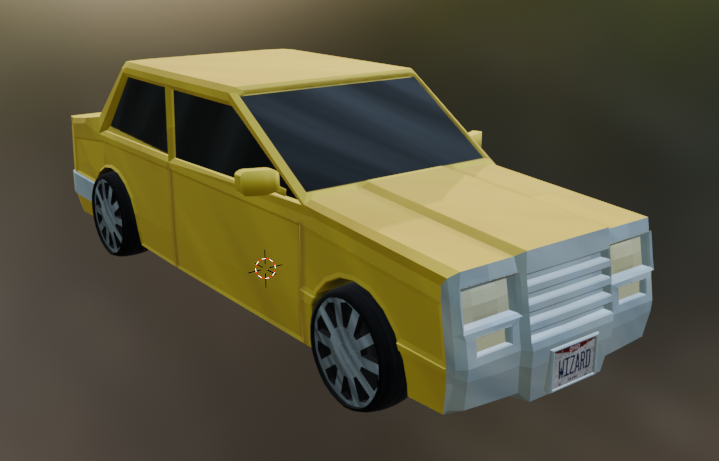
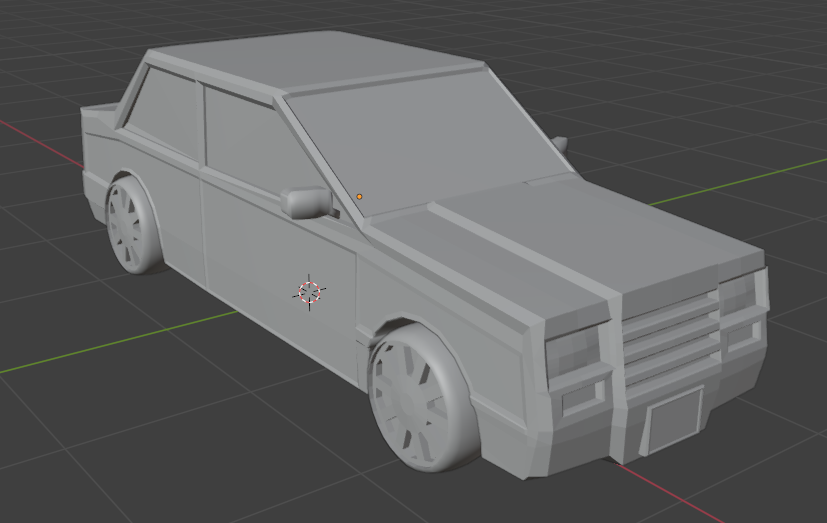
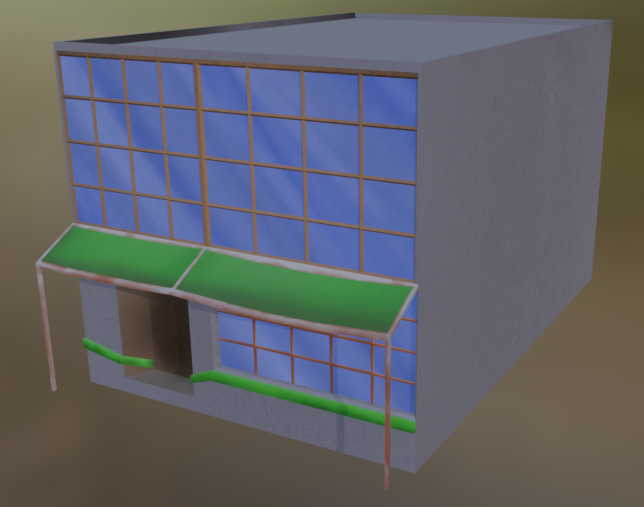
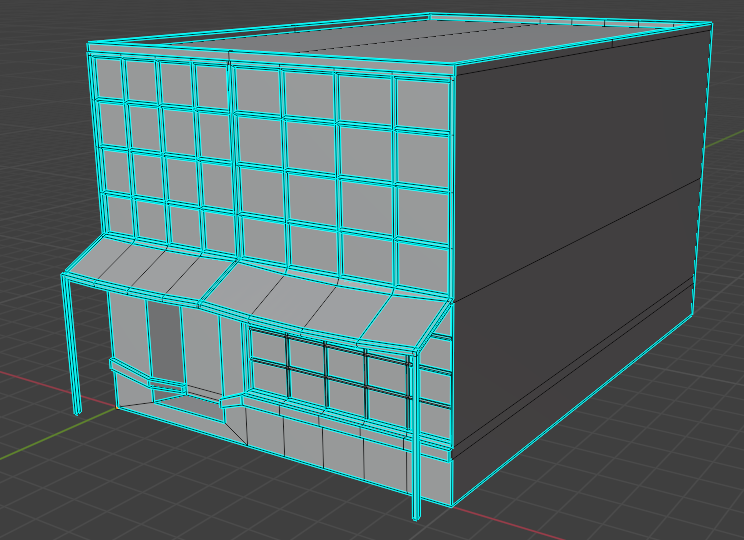
I produced all models and textures used within the game during the first half of this 3-month long project, including a car model, 11 different buildings, 5 different road pieces, and several pieces of misc. scenery. I accomplished this using Blender 4.2 entirely, using it as both the modeling and texturing program of choice. I utilized the texture painting mode and custom brush assets to hand paint the models directly, imprinting texture and perspective on the strokes to give a unique style to all the models.